App DRM in depth
The encrypted .maipdf package, capture blocking per platform, licences and leak tracing — with screenshots of the app.
Online Sharing protects the link: readers open a browser page or QR code with limits, expiry, watermarking, and records. App DRM protects the file: the PDF becomes an encrypted .maipdf package that opens only in the MaiPDF app.
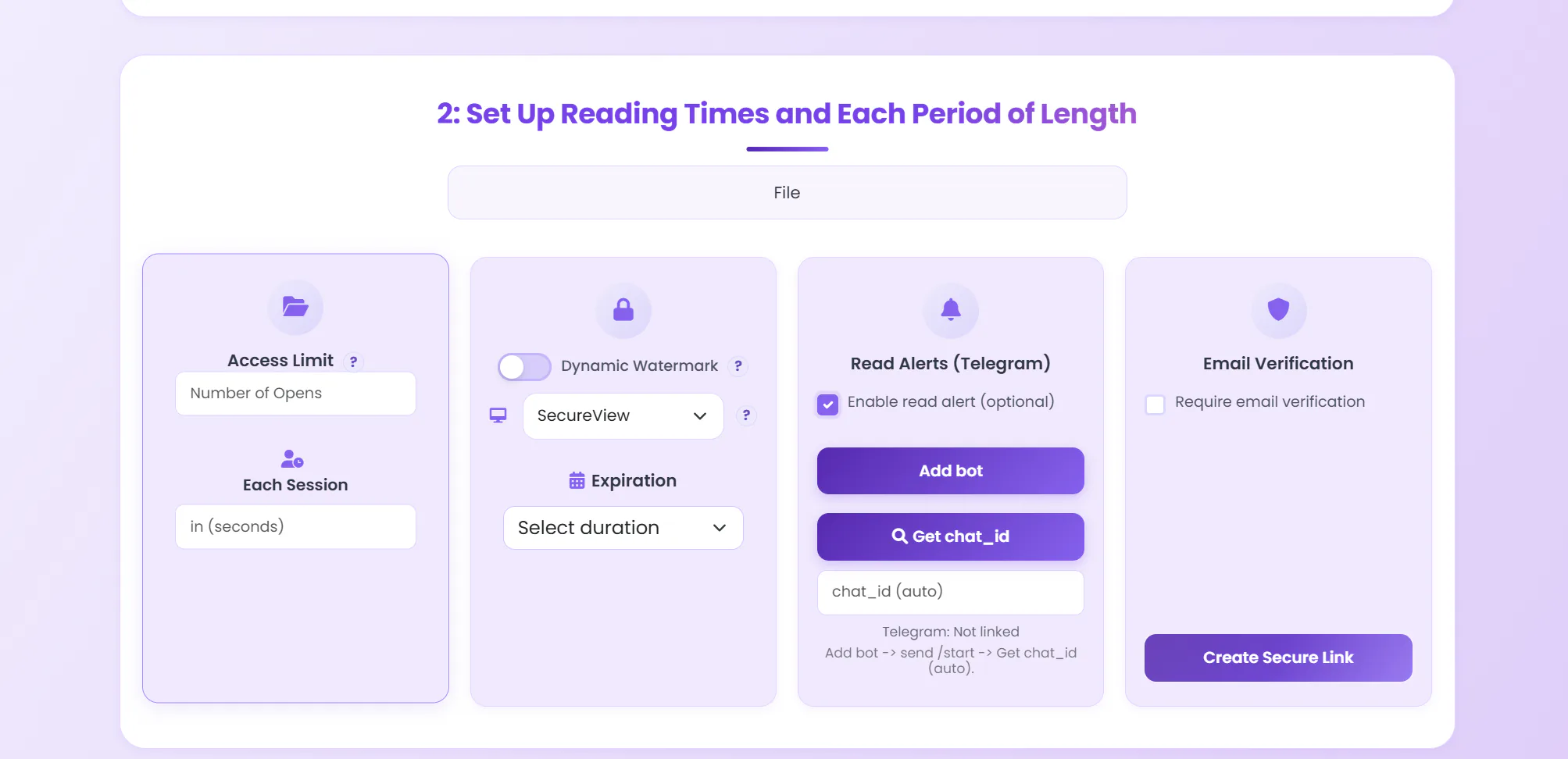
Online Sharing protects the link. App DRM protects the file by packaging the PDF as an encrypted .maipdf that only opens inside MaiPDF, on the devices you allow.
The encrypted .maipdf package, capture blocking per platform, licences and leak tracing — with screenshots of the app.
The PDF is locked into a protected package, not a plain copy.
Tie access to specific devices; a forwarded file won't open elsewhere.
The OS marks the window as protected, so a screenshot or screen recording comes back black. Untrusted virtual-machine or policy-bypassing environments should be blocked instead of trusted.
Revoke means disabling access after delivery, even for files already sent.
Every page carries a traceable mark back to the viewer.
Windows, macOS, iPhone, and Android.
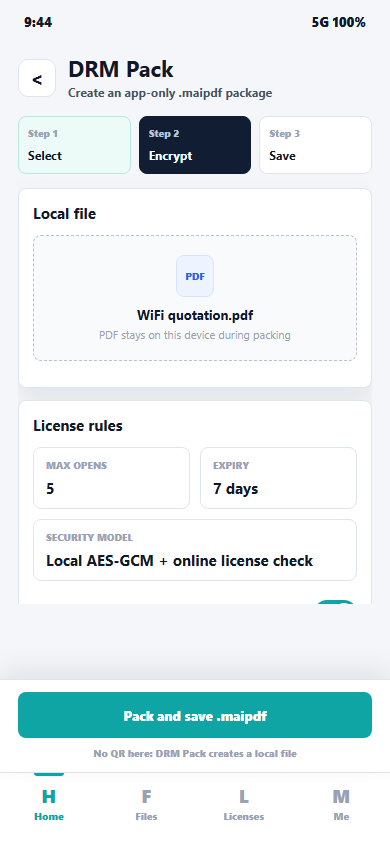 Pack a PDF into an encrypted .maipdf
Select, encrypt, save. The file is locked with local AES-GCM plus an online license check — max-opens and expiry are baked into the package, not the link.
Pack a PDF into an encrypted .maipdf
Select, encrypt, save. The file is locked with local AES-GCM plus an online license check — max-opens and expiry are baked into the package, not the link.
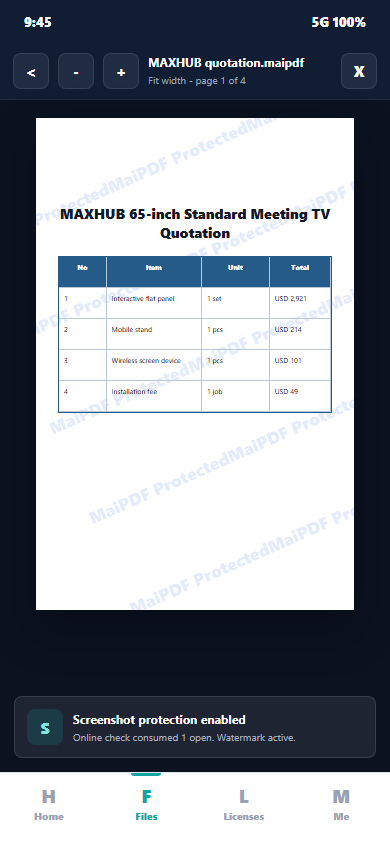 Read it inside the protected viewer
Anti-screenshot protection is active and a dynamic watermark traces every page back to the viewer. Each open runs an online license check.
Read it inside the protected viewer
Anti-screenshot protection is active and a dynamic watermark traces every page back to the viewer. Each open runs an online license check.
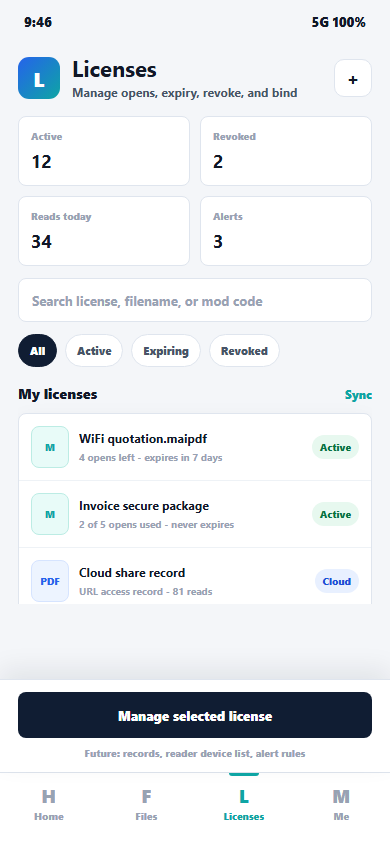 Revoke, expire, or bind — any time
Every issued .maipdf is a license you still control: see opens used and remaining, expire it, revoke access after delivery, or bind it to specific devices.
Revoke, expire, or bind — any time
Every issued .maipdf is a license you still control: see opens used and remaining, expire it, revoke access after delivery, or bind it to specific devices.
This route keeps the PDF in a controlled browser viewer. It is easier for readers because there is no app install.
flowchart LR
  A["Upload PDF"] --> B["Set limits"]
  B --> C["Add expiry or watermark"]
  C --> D["Send link or QR"]
  D --> E["Track or revoke"]
Start with the document that can stay online.
Choose open count, expiry, watermark, and reader checks.
Readers open a browser viewer instead of receiving a plain attachment.
Review access records or disable the share later.
SecureView keeps the PDF inside the viewer instead of handing over a download path. FenceView is an older, heavier deterrent that still works but is no longer recommended.
Read count and time windows can stop the route after a fixed amount of use.
Use this when a controlled link is better than sending an attachment.
History and later actions stay attached to the same share code.
These are the common browser-link controls: limit, expiry, view mode, and per-session time.
Stop the route after the chosen number of reads.
Use SecureView or FenceView instead of handing over a raw download path.
Define how long each viewing session can last.
Let the share stop after the chosen date or duration.
That is the practical difference: the rule set stays on the same route the owner can still inspect later.
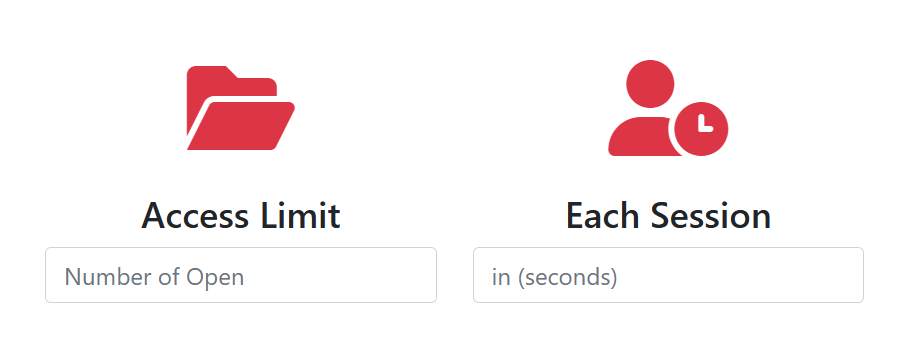 Read constraints
Access limit and per-session timing are configured before the share goes out.
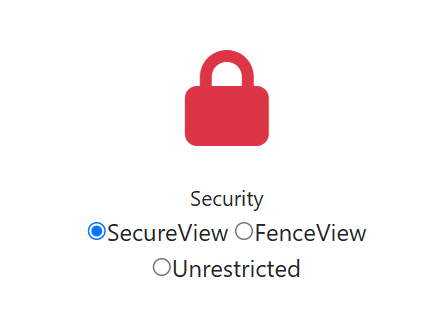 Security mode
The owner chooses the viewing mode in the same setup flow instead of using a separate tool.
These pages cover the individual controls referenced above and how to combine them.
How to cap readers, set expiry, and require a code.
End windows per share without re-issuing the file.
Get a notice the moment the file is opened.
An older deterrent that meshes over the page so casual screen grabs lose value. Still works, but not recommended for new shares — use App DRM when capture must actually be blocked.
Stamp a per-open code on every page — it traces back to the reader who opened it.
Deliver the same share link through a scannable code.
The end-to-end flow for sending files with controls.
Compare link, QR, and embed options side by side.
Why the route stays live and what it carries.
Host the original file instead of attaching it.
How Online Sharing and App DRM compare with other tools.
MaiPDF 安全分享与 DRM 设置中文说明。
Choose Online Sharing for controlled browser delivery, or App DRM when the file package itself must stay protected.