 MaiPDF
Access control
Limit opens and combine rules on one share.
Learn more →PDF sharing
Secure. Trackable. Always in control.
Upload once, set access rules, then send a link or QR. Readers open it in the browser. You keep the same share to update, expire, or review later.
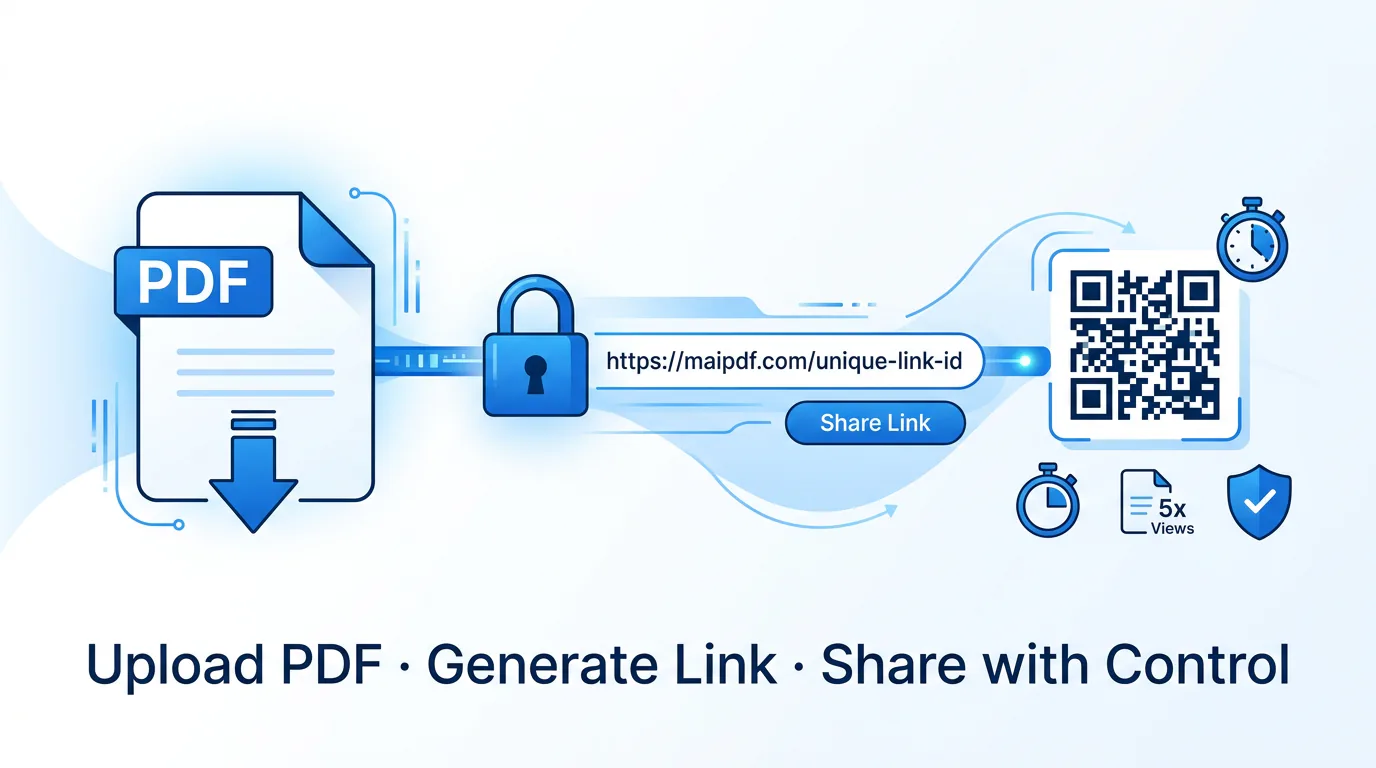
This page explains the complete Online Sharing lifecycle. Use the focused guides when your question is specifically about hosting, QR distribution, link management, or choosing a delivery method.
Use one stable online address and replace the PDF behind it without sending a new URL.
Hosting guide → 02Put the same controlled share on posters, packaging, slides, badges, or printed material.
QR guide → 03Understand how one managed URL can be tracked, updated, expired, or closed later.
PDF link guide → 04Choose between an attachment, a hosted link, or link plus QR based on the job.
Comparison guide →Choose only what the document needs. Every setting stays attached to the same link and QR.
Limit opens and combine rules on one share.
Learn more →Only approved addresses can open.
Learn more →Auto-close the link and QR on a date.
Learn more →Keep casual sharing in the browser without exposing a raw PDF button.
Browser-layer limits →Stamp a code per view that traces back to the reader, IP and time.
Learn more →Telegram ping when the PDF opens.
Learn more →Swap the PDF without a new link.
Learn more →Same share for chat, email, or print.
Learn more →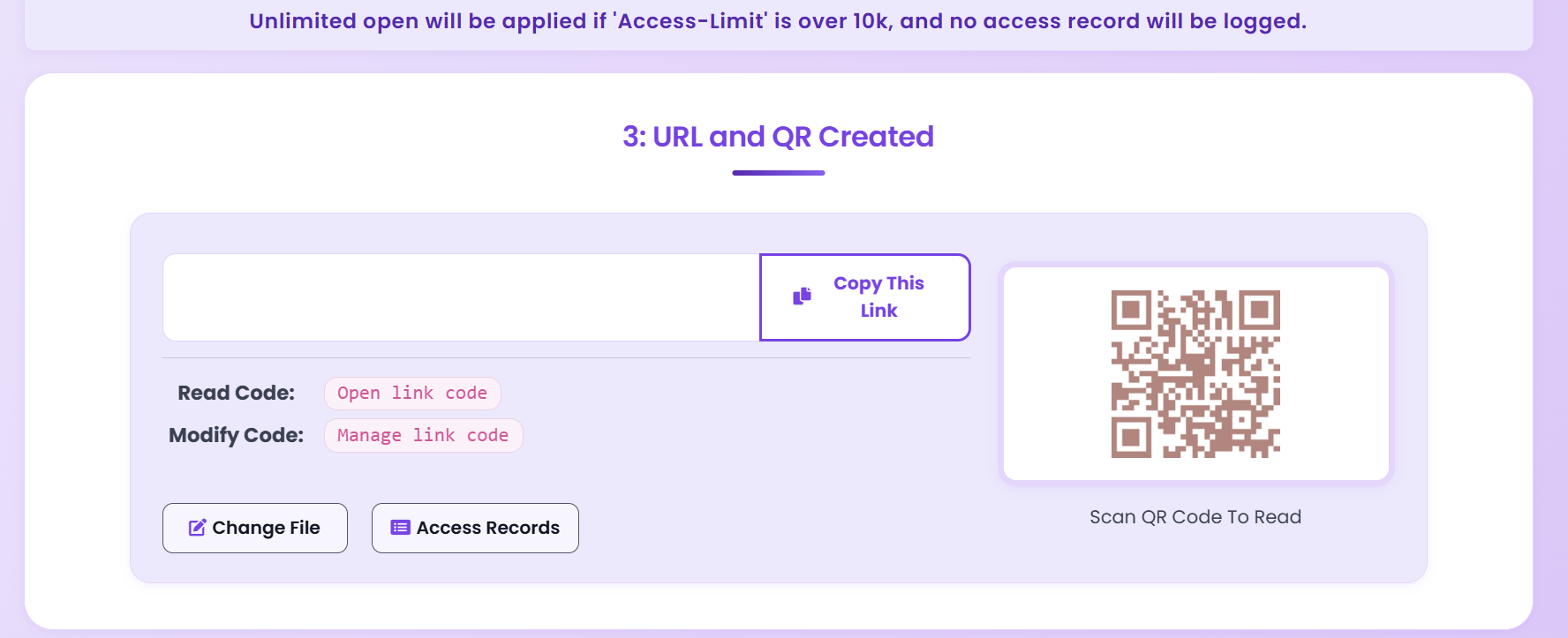
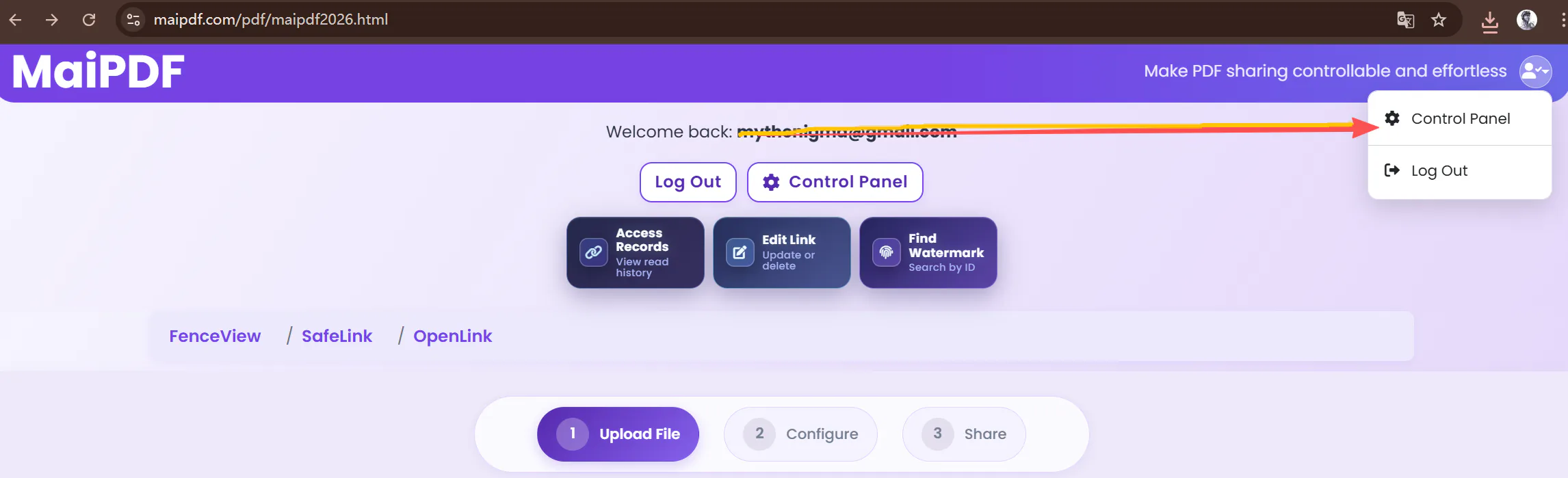
Online Sharing is browser-based. Fence View is an older browser deterrent, not a security boundary. Use MaiPDF App DRM when the operating system must block capture and the protected file should open only in the app.
Start with the most common job: send a proposal, know when it opens, and update it without another attachment.
Send one link, check whether it opened before follow-up, then update pricing without a new email thread.
Share a proposal →Semester expiry. Same link through revisions.
QR on badges or slides. Phones open the same PDF.
Email gate + watermark. Expire when review ends.
Quick answers before you share the first file.
Yes when you want later control. A hosted page keeps the share, rules, and records together. A plain attachment is still fine for a one-off handoff.
No. The PDF opens in a normal browser from the link or QR.
Yes. Both come from the same result page and point to the same share.
Yes — open limits, email verification, expiry, watermark, and viewer settings can be prepared before the link goes out.
Yes. Replace the PDF on the hosted page. The original link and QR stay the same.
Yes — access records via the reading code. Optional Telegram alerts for live pings.
The browser viewer does not expose a raw PDF download button by default, but browser controls are not encrypted-file DRM. For screenshot protection and device-bound access, use MaiPDF App DRM.
The link and QR stop working. Earlier records remain available through the reading code.
Upload → set rules → send link or QR → track opens.